Florvale Home
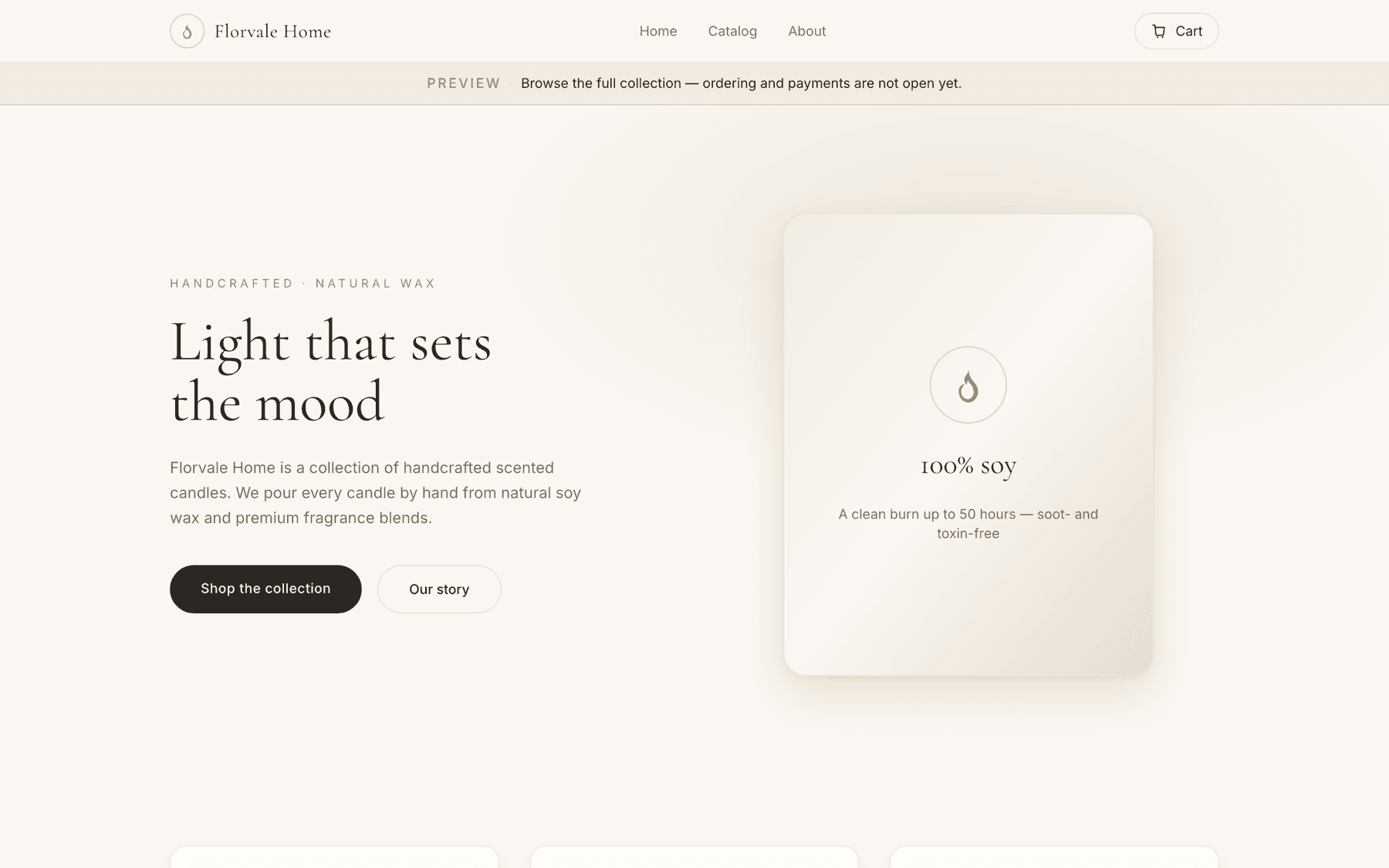
An end-to-end e-commerce build for an independent candle maker: catalogue, cart, Stripe Checkout, order records and a password-gated admin panel. Designed to feel like a quiet print catalogue rather than a storefront template, and engineered so the shop still works when the database does not.
Built and deployed. Stripe is still on test keys, so the storefront runs in preview mode with ordering closed until the live key is switched on.
- Role
- Product & information architecture · Visual design and design system · Full-stack development · Payments, SEO and deployment
- Year
- 2026
- Industry
- Retail · Home fragrance
- Technologies
- Next.js 15 · React 19 · TypeScript · Tailwind CSS v4 · Stripe Checkout · Supabase (Postgres + Storage) · Vercel
The challenge
An independent maker wanted to sell directly rather than hand a marketplace a percentage of every candle — which means the site has to take real card payments, not collect enquiries.
The second constraint mattered more than the first: the owner needed to add products, change prices and upload photos without a developer on call, and without learning a CMS.
And it had to be safe to show people before it was finished. A half-built shop that takes an order it cannot fulfil is worse than no shop.
The approach
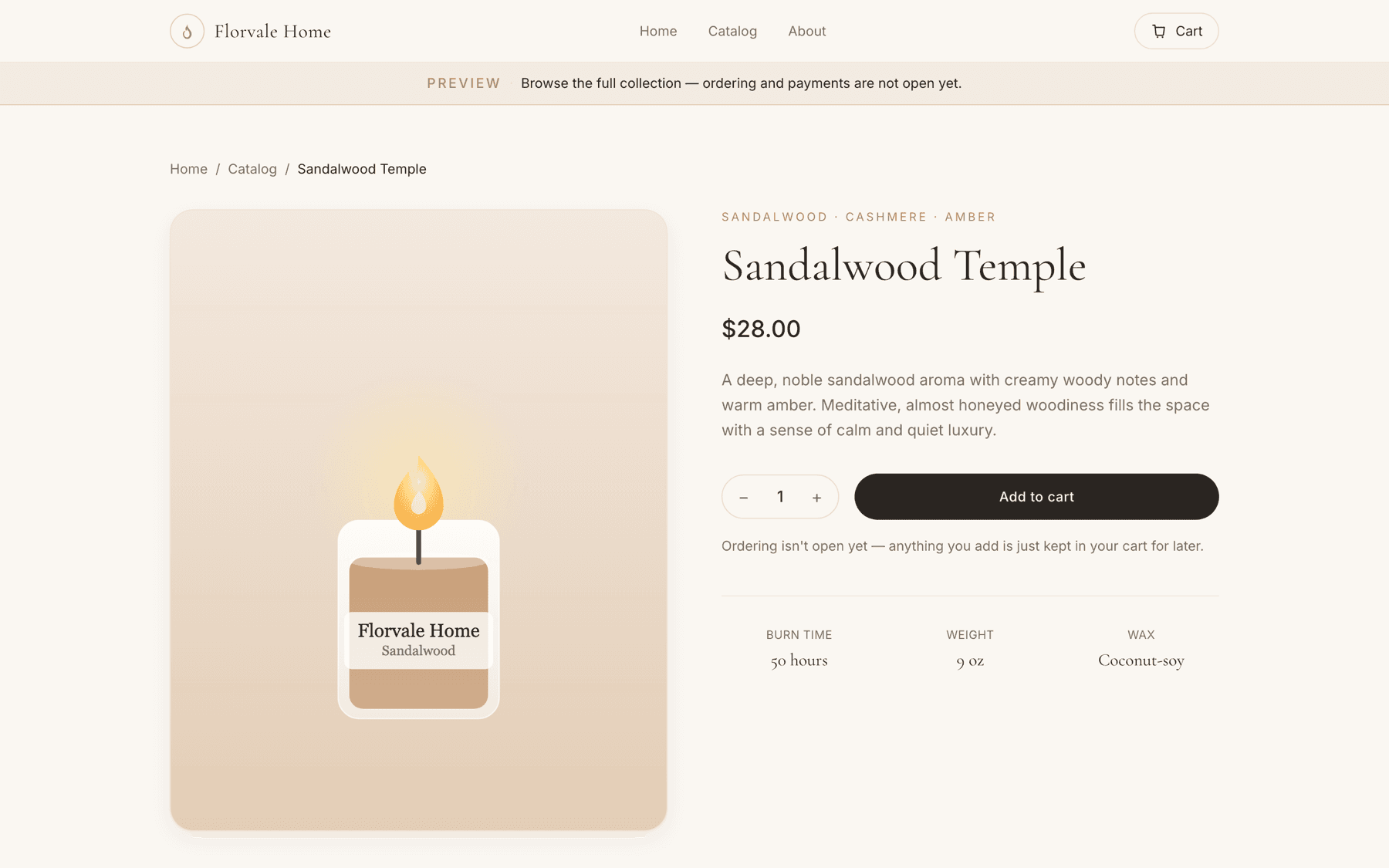
The visual direction is a print catalogue, not a storefront. Cormorant Garamond at display sizes over a cream-and-sand palette, a single muted gold for anything interactive, and enough space around each product that the photography carries the page.
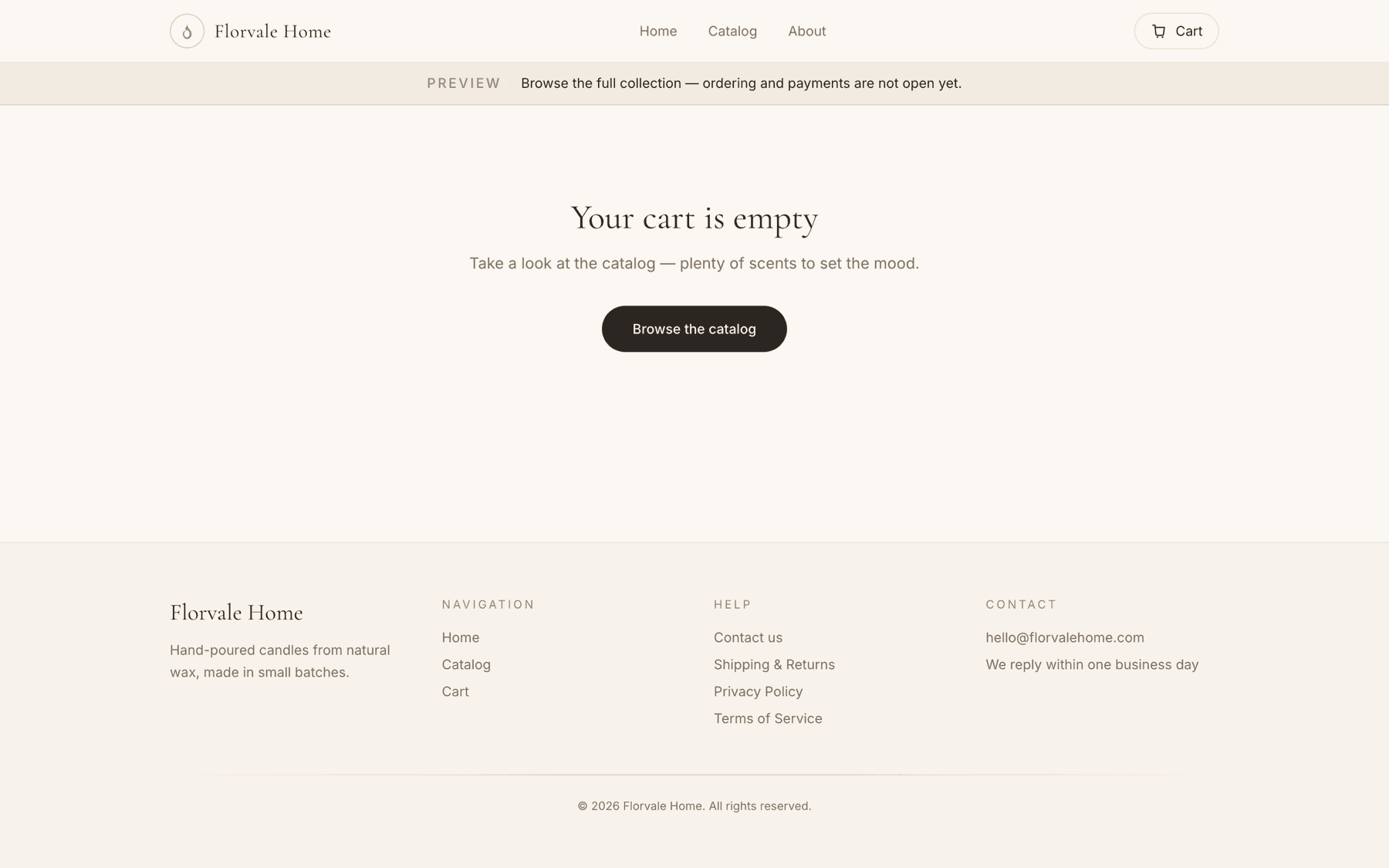
Information architecture is deliberately shallow — home, catalogue, product, cart, done. Every extra step between a visitor and a product is a step where a small shop loses them.
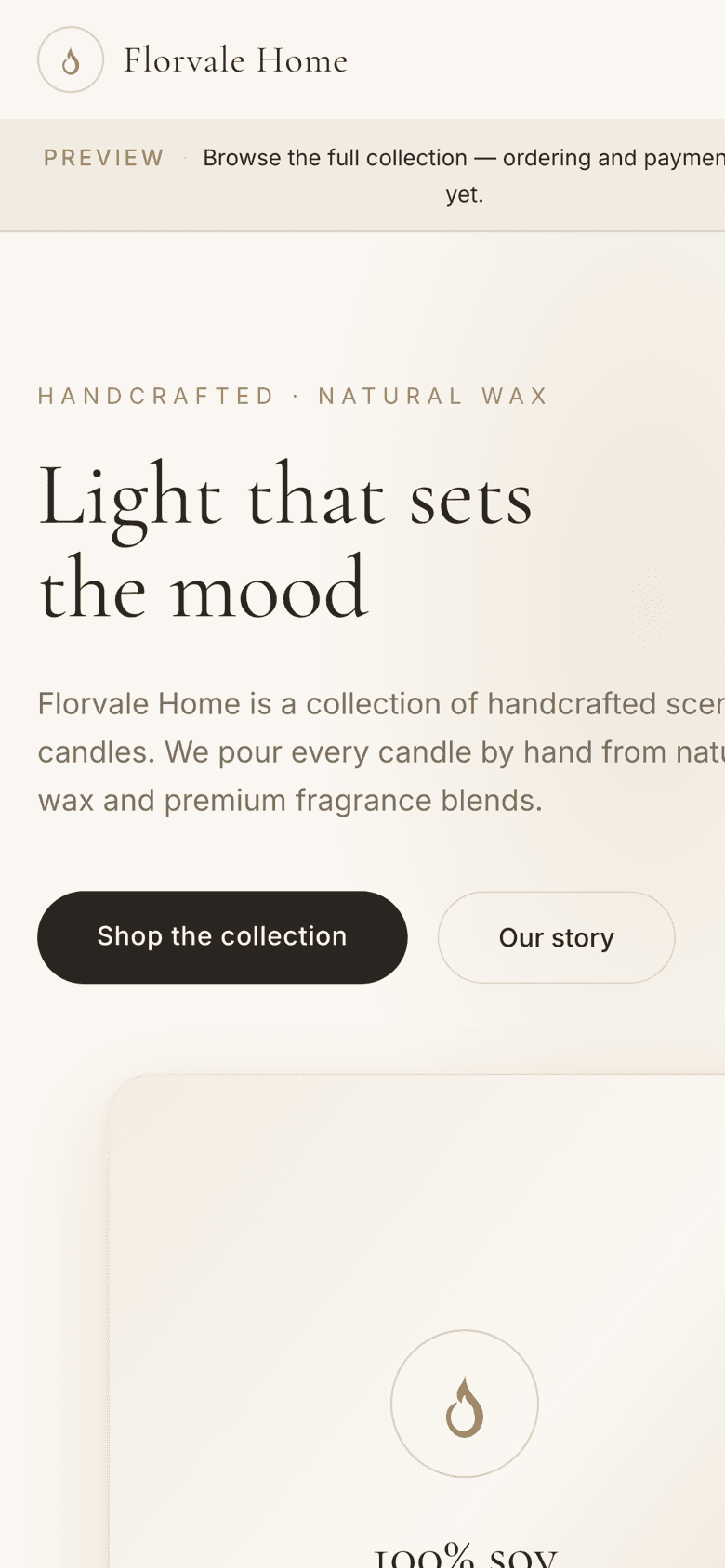
Because the shop had to be shareable before launch, preview mode became a design problem rather than a flag: the cart is replaced by an honest notice at the top of every page, so nobody fills a basket that cannot check out.
The process
- 01
Model first
The product type was written before the first screen — id, name, price in cents, scent notes, burn time, photo. Everything downstream reads from it, which is why the catalogue, cart, Stripe line items and structured data never disagree about what a product is.
- 02
Static, then live
Twelve real products were seeded as a typed array in the repo. That array is still there, and it is still the fallback — the storefront was fully browsable before Supabase existed.
- 03
Payments last
Checkout was added once the catalogue was stable, as a hosted Stripe page rather than a custom form, so that no card field is ever rendered by this application.
- 04
Then the admin panel
CRUD, photo upload and an orders view, behind one password. Built after the storefront so it manages a data model that had already proven itself.
The solution
A storefront that reads from Postgres when it is configured and from a typed array when it is not — the same components, the same pages, no error state in between.
Stripe Checkout for cards, Apple Pay and Google Pay, with the order confirmation verifying the session server-side before it shows a total.
A password-gated admin panel for products, photos and orders, and four policy pages that exist because a payment processor asks for them.

The design system
The tokens this site is written in. Every colour below is a value from its stylesheet, not an impression of it.
- Cream#faf7f2Page
- Sand#f3ede3Surfaces
- Clay#e7ddccHairlines
- Ink#2b2622Text
- Gold#b08d57Accent
- Cormorant GaramondDisplay and product names
- System sansBody, controls, prices
Technical perspective
The decisions worth defending. Written to be readable by someone who will never open the repository.
The cart cannot lie about a price
The browser sends only product ids and quantities. Prices are looked up server-side inside the checkout route before the Stripe session is created, so editing the cart in devtools changes nothing about what is charged.
A data layer with a fallback, not a failure
Reads go through one access layer. If the Supabase environment variables are absent it returns the static catalogue instead of throwing, so a missing key degrades the shop to a brochure rather than a 500. Writes always require the database and say so.
Orders come from the webhook, not the browser
The success page verifies the session for display, but the order record is written by the `checkout.session.completed` webhook. A customer who closes the tab after paying still has an order.
Admin auth without a user table
One shared password, an HMAC-signed session cookie and login throttling. For a single-operator shop, adding accounts and password resets would have been more attack surface, not less.
Search engines get the structured version
Store-level and per-product JSON-LD with live offers, canonical URLs, a generated sitemap and robots file, and an Open Graph image rendered at build time.
Outcome
- Products live in the catalogue
- 12
- Card fields rendered by the app
- 0
- Data sources, one interface
- 2
Deployed on Vercel with continuous deployment from GitHub and CI running typecheck and build on every push. Ordering opens when the live Stripe key replaces the test key — a one-value change, already documented in the launch checklist. There are no sales figures to report yet, and none are shown.
What it still needs
Every project here ships with the list of what is still missing. Hiding placeholders would make the rest of this page harder to believe.
- Real product photography — the catalogue currently ships generated SVG artwork.
- The live Stripe secret key, to move the shop out of preview mode.
- Shipping rates and delivery times, which are written as placeholders in the policy pages.